Mage Integration with Spark Connect
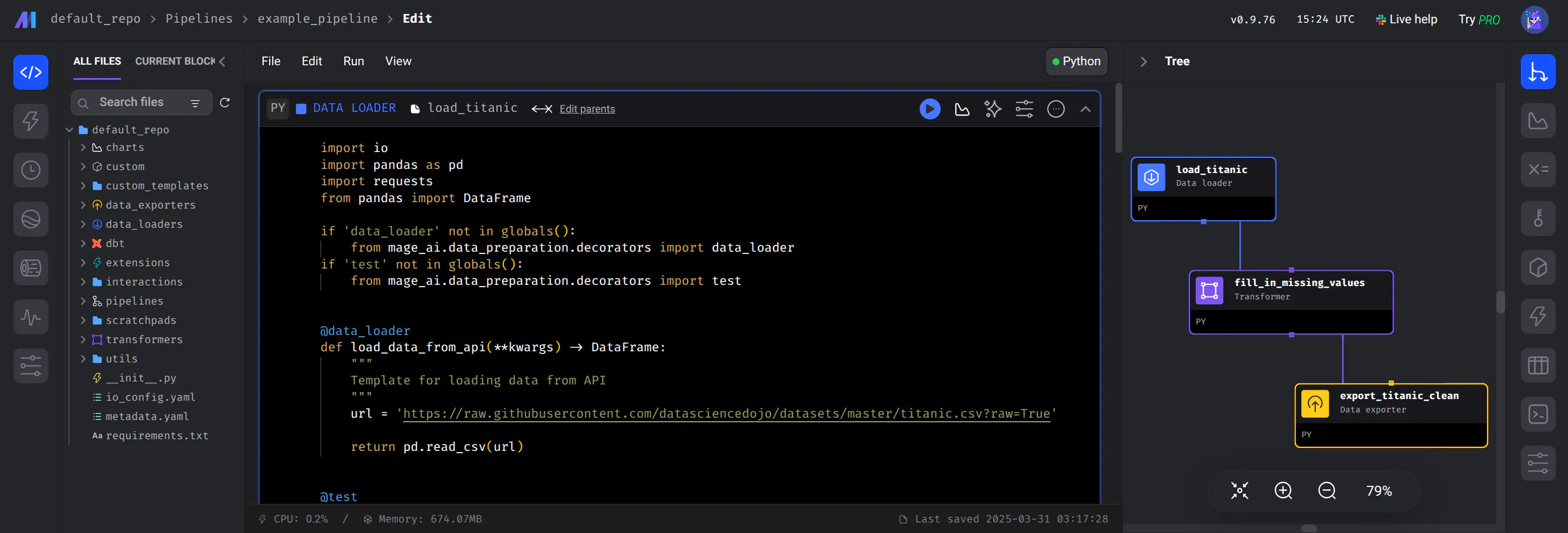
Mage is an open-source data pipeline tool designed for orchestrating, transforming, and integrating data. It provides a developer-centric interface for building ETL (Extract, Transform, Load) workflows using Python, SQL, and R.
In the context of the Ilum platform, Mage functions as the orchestration layer, while Ilum serves as the distributed compute plane. This separation of concerns allows Mage to manage workflow dependencies, retries, and scheduling, while offloading heavy data processing tasks to Ilum's Spark clusters.
Architecture Overview
The integration between Mage and Ilum relies primarily on سبارك كونكت, a decoupled client-server architecture for Apache Spark introduced in Spark 3.4.
- Orchestrator (Client): Mage runs as a pod within the Kubernetes cluster (or externally). It utilizes the Spark Connect client library (
pyspark[connect]) to define DataFrame operations. It communicates over gRPC rather than the traditionalPy4Jgateway, which eliminates the need for the driver and executor to share the same Java dependencies. - Compute Plane (Server): Ilum manages the Spark Connect server and the underlying Spark Executors. It receives the logical query plan from Mage, optimizes it (Catalyst Optimizer), and executes it across the distributed cluster.
This architecture ensures that the Mage environment remains lightweight. The Mage pod acts solely as a submission client, while memory-intensive operations (shuffles, joins, aggregations) are handled exclusively by Ilum's infrastructure.
Integration Methods
Mage is fundamentally a Python application, allowing for multiple integration patterns with Ilum's ecosystem:
- Spark Connect (Recommended): Utilizes the gRPC-based Spark Connect protocol to submit jobs directly to Ilum. This supports interactive data exploration and high-throughput batch processing.
- JDBC via Ilum SQL: Connects to Ilum as a standard SQL database. Suitable for metadata operations, triggering SQL-based transformations, or when using the
بايسباركlibrary is not feasible. - Livy Proxy: Submits batch jobs or interactive statements via REST API to the Ilum Livy interface. This is useful for submitting complete JARs or Python scripts rather than interactive DataFrame operations.
- Custom Services: Leveraging Mage's extensibility to write custom Python blocks that interact with Ilum's internal APIs for resource management (e.g., dynamically creating/destroying Spark sessions).
This guide focuses on the سبارك كونكت integration, as it provides the most native and efficient developer experience for data engineering.
Networking and Connectivity
Local Development Tunneling
When accessing the Mage UI via kubectl ميناء إلى الأمام أو minikube tunnel, you must access the service via http://127.0.0.1:9777 rather than http://localhost:9777.
This requirement stems from a known behavior in the Mage server's handling of المضيف المحلي headers. Detailed tracking of this issue is available in the Mage Troubleshooting Documentation.
ملاحظه: This restriction applies only to local tunneling. It does not affect deployments behind an Ingress Controller or internal cluster networking.
In-Cluster Service Discovery
When Mage is deployed within the same Kubernetes cluster as Ilum, it should connect to the Spark Connect server using the internal Kubernetes DNS name (e.g., spark-connect-server.ilum.svc.cluster.local) rather than an external load balancer. This reduces latency and ensures traffic remains within the cluster network.
Port Configuration:
- 15002: The standard gRPC port for Spark Connect. Ensure your network policies allow traffic from the Mage namespace to the Ilum namespace on this port.
Implementation Guide: Spark Connect Pipeline
This section details the creation of a data pipeline that offloads processing to Ilum using Spark Connect.
1. Prerequisites
Ensure you have a running Spark Connect endpoint.
- Interactive Sessions: For ad-hoc analysis, creating a Spark Connect Job via Ilum is the standard approach.
- Production Pipelines: For scheduled workflows, ensure the Spark Connect server is configured to scale automatically based on load.
2. Pipeline Initialization
- Open the Mage UI.
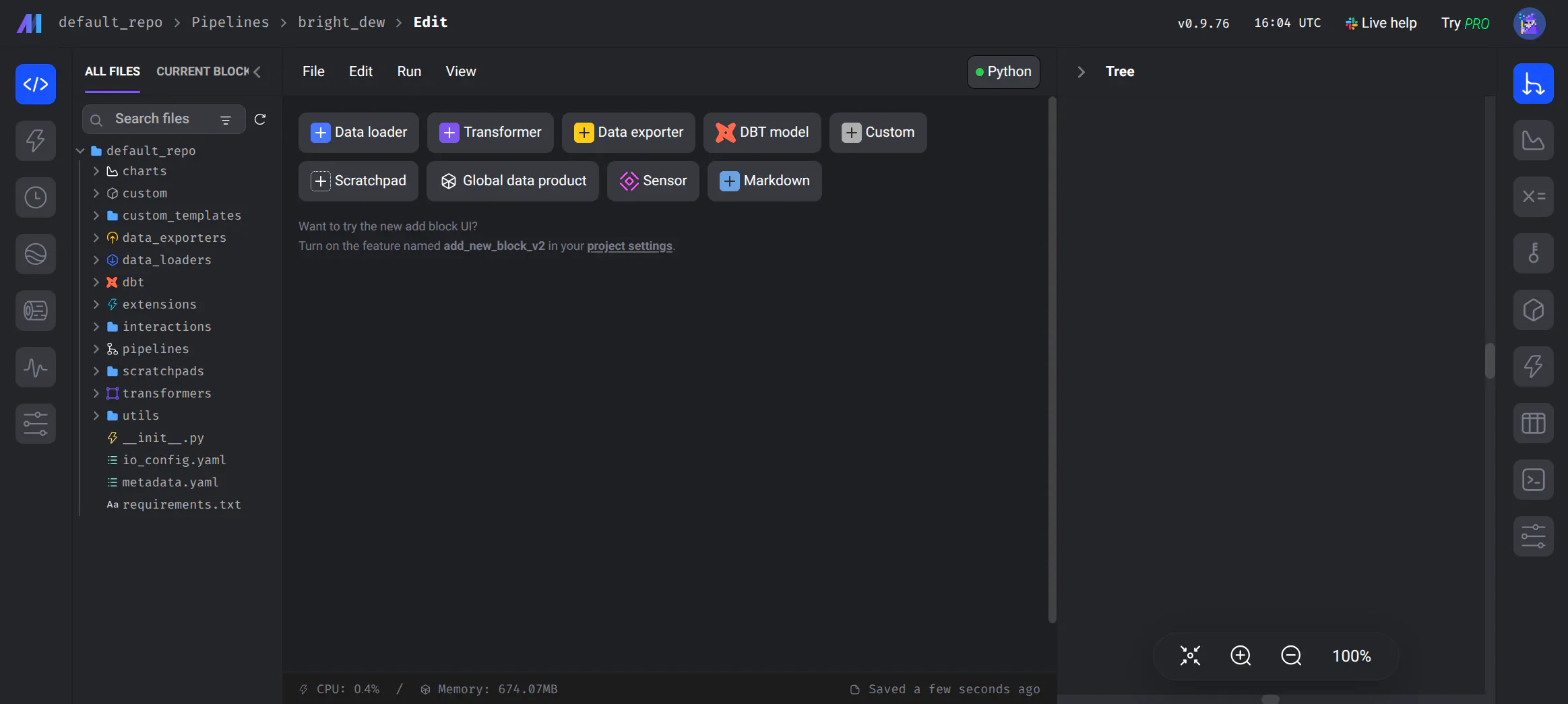
- Navigate to New Pipeline > Standard pipeline.
- Assign a technical name that reflects the pipeline's purpose (e.g.,
transaction_anomaly_detection).
3. Developing the Data Loader
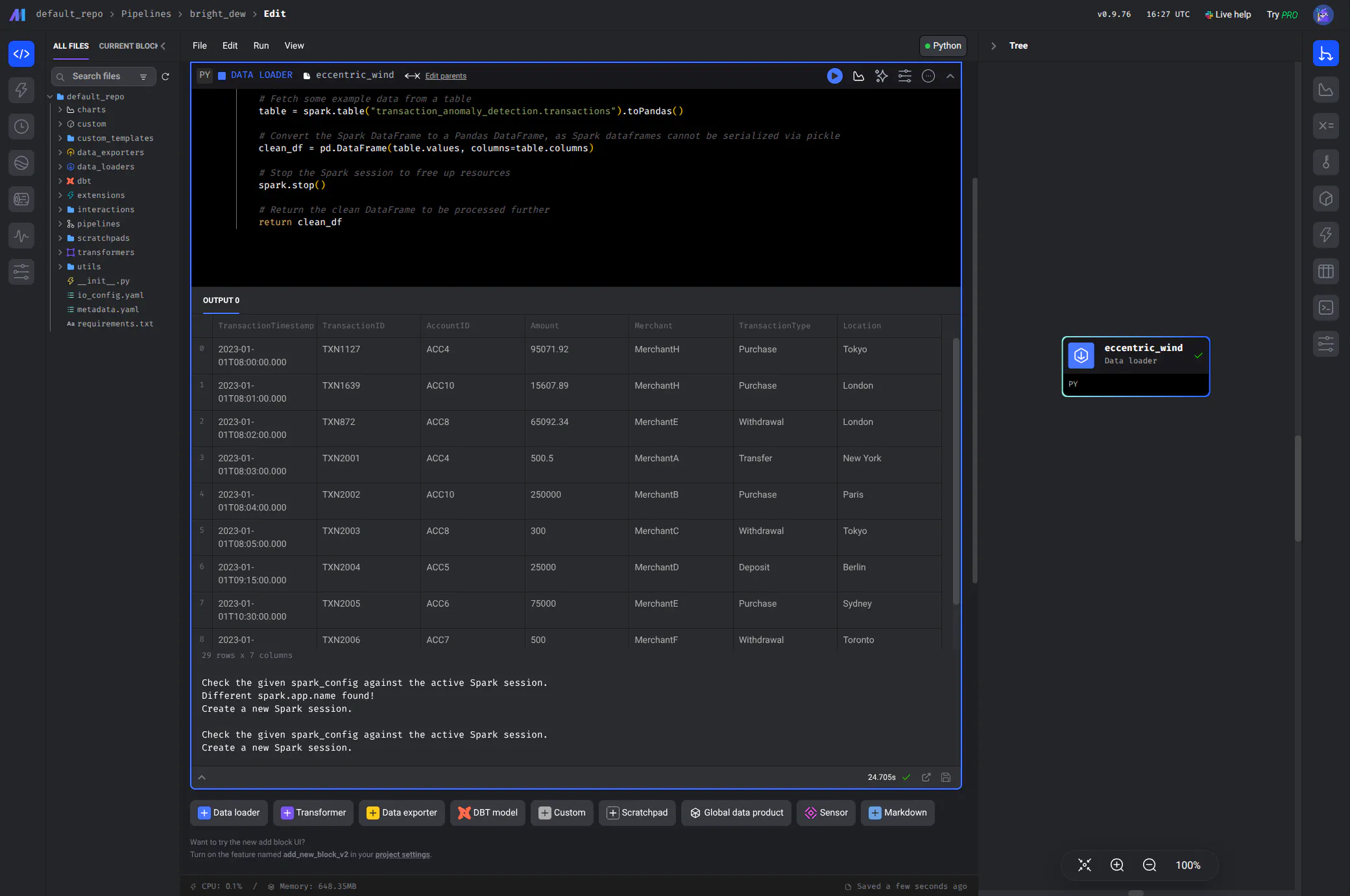
The core of the integration is the Data Loader block. This Python block establishes the gRPC channel to Ilum.
- نقر Data Loader.
- Select بايثون > Generic (no template).
- Implement the connection logic.
The following code snippet demonstrates a production-ready pattern for connecting to Ilum, fetching data, and converting it for local usage.
@data_loader
مواطنه load_data(*أرجس, **kwargs):
    """
    Loads data from Ilum via Spark Connect with robust error handling and session management.

    Returns:
        pd.DataFrame: A sample of the processed data for local inspection in Mage.
    """
    استورد pandas مثل pd
    من بايسبارك.SQL استورد جلسة سبارك
    من بايسبارك.errors استورد PySparkException

    # Configuration
    # In production, use environment variables for the connection string
    # e.g., os.getenv('ILUM_SPARK_CONNECT_URL')
    SPARK_CONNECT_URL = "sc://<ilum-spark-connect-service>:15002"

    # 1. Session Management
    # Ensure a clean state by stopping any existing active sessions in this thread/worker.
    # This prevents context leaks in long-running Mage workers.
    active_session = جلسة سبارك.getActiveSession()
    لو active_session:
        طبع("Stopping orphaned Spark session...")
        active_session.وقف()

    # 2. Connection Initialization
    # Initialize the Spark Session connected to the remote Ilum cluster.
    طبع(f"Connecting to Ilum Spark Connect at {SPARK_CONNECT_URL}...")
    شراره = جلسة سبارك.بان\
        .بعيد(SPARK_CONNECT_URL) \
        .appName("Mage-Ilum-Integration") \
        .التكوين("spark.sql.execution.arrow.pyspark.enabled", "صحيح") \
        .getOrCreate()

    try:
        # 3. Distributed Execution
        # The following operations are executed on the Ilum cluster, not the Mage pod.
        # This allows processing of datasets significantly larger than the Mage pod's memory.
        طبع("Executing distributed query on Ilum...")

        # Access a table managed by Ilum (Iceberg, Hudi, or Delta)
        df_spark = شراره.جدول("transaction_anomaly_detection.transactions")

        # Perform transformations (push-down to Ilum)
        # It is critical to perform filtering BEFORE toPandas() to minimize data transfer
        df_filtered = df_spark.راووق("amount > 1000")

        # 4. Data Retrieval
        # Bring the result set back to the Mage orchestrator.
        # Note: Ensure the result fits in memory. For large datasets, write to a sink (S3/HDFS)
        # using Spark and return only metadata or a sample to Mage.
        pdf = df_filtered.toPandas()

        طبع(f"Successfully retrieved {len(pdf)} records.")
        أعاد pdf

    except PySparkException مثل e:
        طبع(f"Spark execution failed: {e}")
        raise e

    finally:
        # 5. Resource Cleanup
        # Explicitly stop the session to release resources on the Ilum cluster.
        شراره.وقف()
Key Implementation Details
- Serialization: Mage blocks communicate via
pickle. While PySpark DataFrames are not directly picklable, converting to Pandas (toPandas()) bridges the gap between the distributed cluster and the local orchestration environment. - Compute Offloading: Heavy transformations (
راووق,join,groupBy) should be performed on thedf_sparkكائن before callingtoPandas(). This ensures the work happens on Ilum's infrastructure. - Apache Arrow: The configuration
.config("spark.sql.execution.arrow.pyspark.enabled", "true")enables Apache Arrow for data transfer. This significantly reduces the serialization overhead when moving data from Spark (JVM) to Pandas (Python).
Advanced Integration Patterns
Beyond simple data loading, Mage and Ilum can support complex engineering patterns.
1. The "Orchestrator-Only" Pattern
In this pattern, Mage never loads the full dataset. Instead, it triggers a transformation job on Ilum and only retrieves the job status أو summary metrics. This is the preferred pattern for Big Data pipelines where datasets exceed the memory of the Mage pod.
Example Workflow:
- Block 1 (Loader): Connect to Spark, read from Source (S3/Iceberg).
- Block 2 (Transformer): Apply complex aggregations and joins using PySpark API. Write the result to a Destination table (e.g.,
spark.write.saveAsTable(...)). - Return Value: The block returns
صحيحor a row count, not the DataFrame itself.
2. Dynamic SQL Execution
You can use Mage variables to inject dynamic parameters into your Spark SQL queries.
@data_loader
مواطنه load_data_sql(*أرجس, **kwargs):
    من بايسبارك.SQL استورد جلسة سبارك

    شراره = جلسة سبارك.builder.بعيد("sc://...").getOrCreate()

    # Retrieve variable from Mage pipeline run
    target_date = kwargs.حصل('execution_date')

    # Execute parameterized SQL
    مدافع = شراره.SQL(f"""
        SELECT * FROM production.logs
        WHERE event_date = '{target_date}'
    """)

    أعاد مدافع.حد(1000).toPandas()
Infrastructure and Configuration
To support the Spark Connect client libraries and ensure runtime compatibility, you must configure the Mage container environment.
Custom Docker Image
The default Mage image does not contain the Java Runtime Environment (JRE) or the specific PySpark libraries required for Spark Connect. You must build a custom image to include these dependencies.
Dockerfile Example:
# Base image matches the Mage version used in your deployment
من mageai/mageai:latest

# 1. System Dependencies
# OpenJDK is required for the PySpark client to communicate with the JVM-based Spark Connect protocol.
RUN apt-get update -y && \
    apt-get install -y openjdk-17-jre-headless && \
    rm -rf /var/lib/apt/lists/*

# 2. Python Dependencies
# Install PySpark with the [connect] extra to include gRPC definitions.
# Ensure the PySpark version matches the Spark version running in Ilum.
# 'grpcio-status' is often required for proper error handling in Connect.
RUN pip3 install "pyspark[sql,connect]==3.5.0" grpcio-status
Helm Configuration
When deploying Mage via Helm, reference your custom image in the القيم.yaml file. This configuration ensures that all Mage workers interact correctly with the Ilum cluster.
mageai:
  صورة:
    مستودع: your-registry/mage-custom
    العلامه: v1.0.0-spark3.5

  # Optional: Resource limits for the Mage pod
  # Even though compute is offloaded, Mage needs memory for 'toPandas()' serialization
  موارد:
    limits:
      cpu: 2000m
      memory: 4جي
    requests:
      cpu: 1000m
      memory: 2Gi
By using this configuration, you ensure that the orchestration layer (Mage) has the necessary client libraries to drive the compute layer (Ilum) without bloating the orchestrator with unnecessary compute resources.
Troubleshooting Common Issues
1. PicklingError or Serialization Issues
- Symptom: The Mage block fails after the Spark job completes, usually during the return statement.
- سبب: You are trying to return a raw
pyspark.sql.DataFrameobject from a Mage block. Mage tries to pickle the return value to pass it to the next block. Spark objects are not picklable. - حل: Always convert to a Pandas DataFrame (
.toPandas()) or return a simple Python type (dict, list, string) if the data is large.
2. StatusRuntimeException: UNAVAILABLE
- Symptom: ال
SparkSession.builder.getOrCreate()call hangs or fails immediately. - سبب: The Mage pod cannot reach the Spark Connect server.
- حل:
- Verify the connection string URL.
- Check Kubernetes Network Policies preventing cross-namespace communication.
- Ensure the Ilum Spark Connect service is running on port
15002.
3. Version Mismatch
- Symptom:
AnalysisExceptionor strange gRPC errors. - سبب: ال
بايسباركversion in the Mage Docker image differs from the Spark version running in Ilum. - حل: Ensure strict version pinning in your Dockerfile (e.g.,
pyspark==3.5.0) to match the Ilum cluster version.